-
December 2018 Product Update
Happy holidays peeps :)
We decided to use the time that you’d be away from your computers to work on our infrastructure. Here are a few highlights.
User Roles
Today, Skilltype views everyone the same. Everyone is limited to logging in, creating, editing, and viewing their profiles. We can also manage personal settings. But to prepare for the launch of organizations next month, we needed to create a way for the app to recognize that certain users (e.g. paying customers) have the permission to create and edit an organization on Skilltype (ROLE_ADMIN), whereas normal users will be limited to viewing the organization (ROLE_USER). Here’s a screenshot of our internal tools to manage user roles across the community. To access this dashboard, you have to be ROLE_SKILLTYPE_ADMIN.

Unique IDs
The second update you won’t see in your UX first-hand, but will position us to deliver a more responsive service over time is creating unique IDs for our vocabularies. Today, the skills, affiliations, and other tags you add to your profile lack unique IDs. In fact, all of those items are being managed in the front end of our web app. This means when one of our back end developers adds a new university as an affiliation, that addition is not reflected automatically on the front end until our front end dev syncs it.
This is not scalable.

With this update, we made two major improvements:
-
Since we’re launching organizations soon, we took the extra time to work on the admin panel that enables organization admins to manage their organization. We decided to eat our own dog food and create an Org for Skilltype, where we can manage User Roles, but also manage our Vocabularies. Now, Valerie, Harlin, or anyone else on a support shift can add items to any vocabulary directly without having to request a dev to do it.
-
When we add tags to a vocabulary from the front end now, they are dynamically synced with the back end. And when the Vocabularies API is called in other parts of the app (say, in an upcoming Opportunity page), that page will also be updated in real time.
Props to Jobin on the back end and Jacob on the front end for putting in work on this over the holidays!
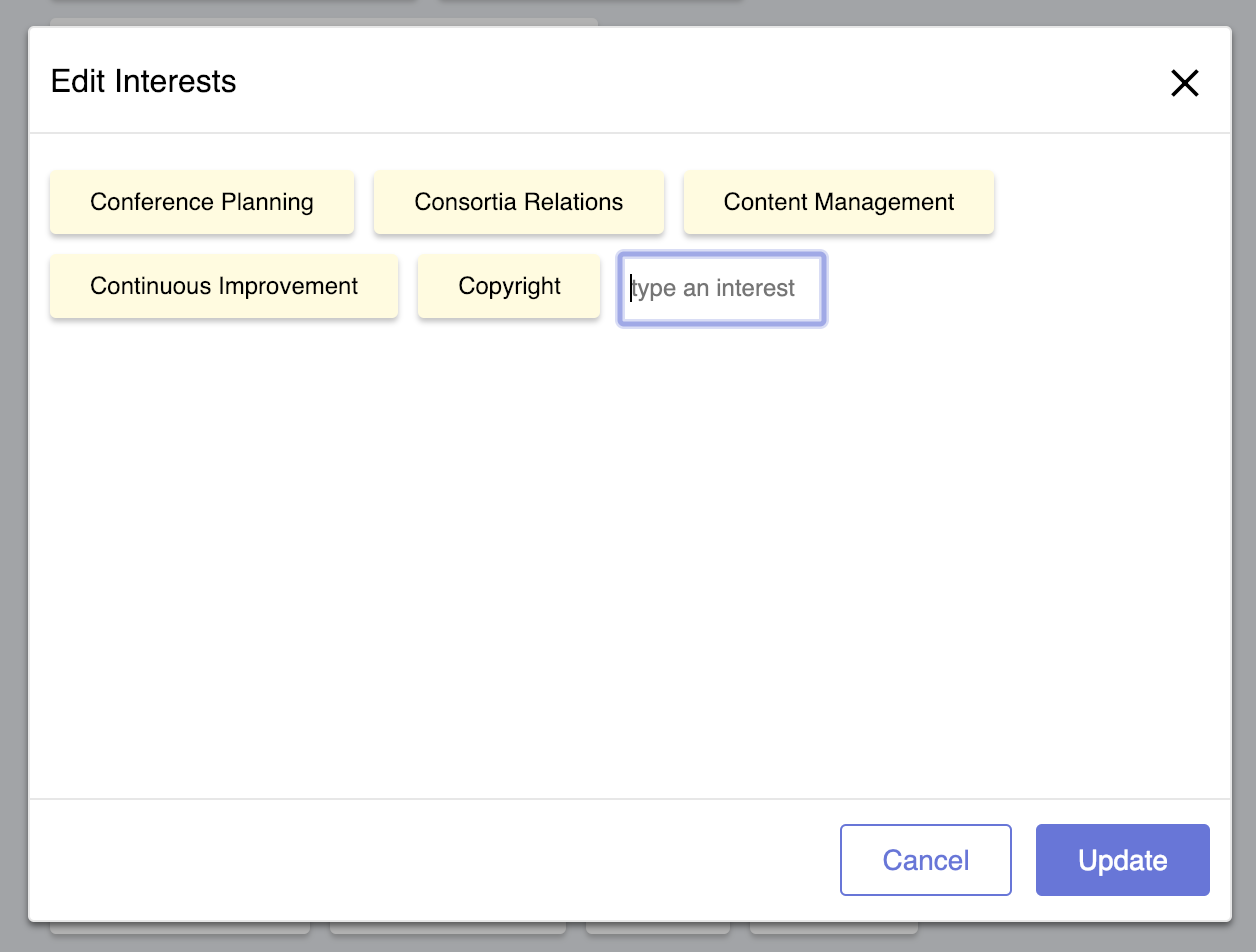
Improved Tag Editor
Since opening beta testing last month, there has been a two-way tie for most requested features: 1) being able to select and delete individual tags, and 2) the ability to see the available tags rather than type + auto complete.
v1 Tag Editor. To delete one tag, you had to delete all of the tags that came after it. #Fail v2 Tag Editor. With select and delete. 
v3 Tag Editor. Split screen for select/delete and search/browse. The final version is really a work of usability and accessibility art, thanks to our maestro Paul. We had about 80 messages in a Slack thread on the pros and cons and considerations of searching for tags, browsing for tags, supporting vocabularies with thousands of tags, and more. We settled on a split view that separates select/delete on the left, and filter/search/browse/select on the right. The mobile version doesn’t have a split view, but takes up a full screen width for each of the two sides you see on desktop.
The latest version is being rolled out to beta testers in early January. Our QA process has slowed down for the holidays, but we’ll get back up to speed in the new year.
Until next time!
Team Skilltype
-
-
Building an Anti-Social Network
Silent Disco at UCLA’s Powell Library. Credit: UCLA Library Earlier this year, someone on the leadership team at an ARL member library compared a prototype of Skilltype (then Libdot) to LinkedIn. The conversation focused on trying to figure out whether it was possible to use LinkedIn’s recruiter tools to replicate our offering. It was a natural comparison given the hypothesis of the prototype:
If libraries could communicate what makes them unique, linked data would help people who identified with those traits more easily connect.
This conversation revealed that our solution needed more refinement. but the answers won’t be found on social media. Take for example LinkedIn, and the impact social had on LinkedIn’s product strategy.
There was a point in time when LinkedIn’s product management strategy was to do everything Facebook does but for a Professional relationships. If Facebook was walking off of a cliff, LinkedIn was there to follow. In no particular order: News Feed. Photos. Videos. Ads. Friending. Pages. Groups. Blah blah blah. There was some deviation in how they managed their developer communities. Facebook gave unfettered access to APIs to everyone and used the apps built on top of them to determine what they should build natively into the core Facebook offering. LinkedIn was always more conservative with developer policies, and sought instead to monetize their partner programs and individual user experience. Developers had to apply to use LinkedIn’s APIs, and the requirements were much stricter.
Last week, the LinkedIn comparison reared its head again, but this time with less conviction than the last. A director of an iSchool asked us whether Skilltype was like LinkedIn for librarians. Since the comparison is natural to make for many people, I decided to write a post describing the differences between Skilltype and the professional social network. So here are seven ways we’re rethinking the online experience to get the best out of social in a work context.
7 Differences Between Skilltype and LinkedIn
-
Socializing vs. Working:
-
Unlimited Access vs. Contextual Access
-
Advertising Model vs. Subscription Model
-
Focus vs. Interruption
-
Employer Conflict vs. Employer Benefit
-
Increasing the Relevance Ratio
-